However, our areas are usually not the same size and we have to be prepared to cover every possible scenario. This also means that we may only have to handle individual cells, which does not work with our code so far.
Code:
Sub SingleSourceCell_DontWork()
Dim Source As Range, Dest As Range
Dim Data
'Create the scenario
ScenarioA
'Refer to one cell
Set Source = Range("A4")
'Read the value
Data = Source.Value
'Refer to the top left destination cell
Set Dest = Range("G3")
'Resize the refered range to the same size as the array
Set Dest = Dest.Resize(UBound(Data), UBound(Data, 2))
'Write the array into the sheet
Dest.Value = Data
'Just to show you what was copied
Source.Select
End Sub
Many programmers make a special solution in the code for these cases, I generally do it differently, which has the advantage that nothing changes in the basic principle.
Code:
Sub SingleSourceCell_Works()
Dim Source As Range, Dest As Range
Dim Data
'Create the scenario
ScenarioA
'Refer to one cell
Set Source = Range("A4")
'Read the value
Data = Source.Value
'Do we have an array?
If Not IsArray(Data) Then
'No, create one
ReDim Data(1 To 1, 1 To 1)
'Write the value into
Data(1, 1) = Source.Value
End If
'Refer to the top left destination cell
Set Dest = Range("G3")
'Resize the refered range to the same size as the array
Set Dest = Dest.Resize(UBound(Data), UBound(Data, 2))
'Write the array into the sheet
Dest.Value = Data
'Just to show you what was copied
Source.Select
End Sub
That was easy. Now let's look at it with multiple areas in the source. I'm doing this intentionally unnaturally and not in the way we would expect. If you assume properties of a data source, then sooner or later the case always comes where this property is missing or slightly different, and then there are nasty mistakes.
Code:
Sub MultipleSourceCells_DontWork()
Dim Source As Range, Dest As Range
Dim Data
'Create the scenario
ScenarioA
'Refer to some cells
Set Source = Range("A4:C7,D2:E6,B9")
'Read all values into a 2D-array
Data = Source.Value
'Refer to the top left destination cell
Set Dest = Range("G3")
'Resize the refered range to the same size as the array
Set Dest = Dest.Resize(UBound(Data), UBound(Data, 2))
'Write the array into the sheet
Dest.Value = Data
'Just to show you what was copied
Source.Select
End Sub



 Reply With Quote
 Overview


 Clipboard
 HTML Format

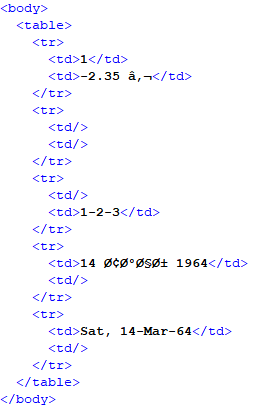
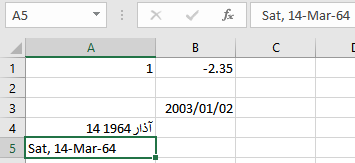
 Data conversation

 XML Spreadsheet
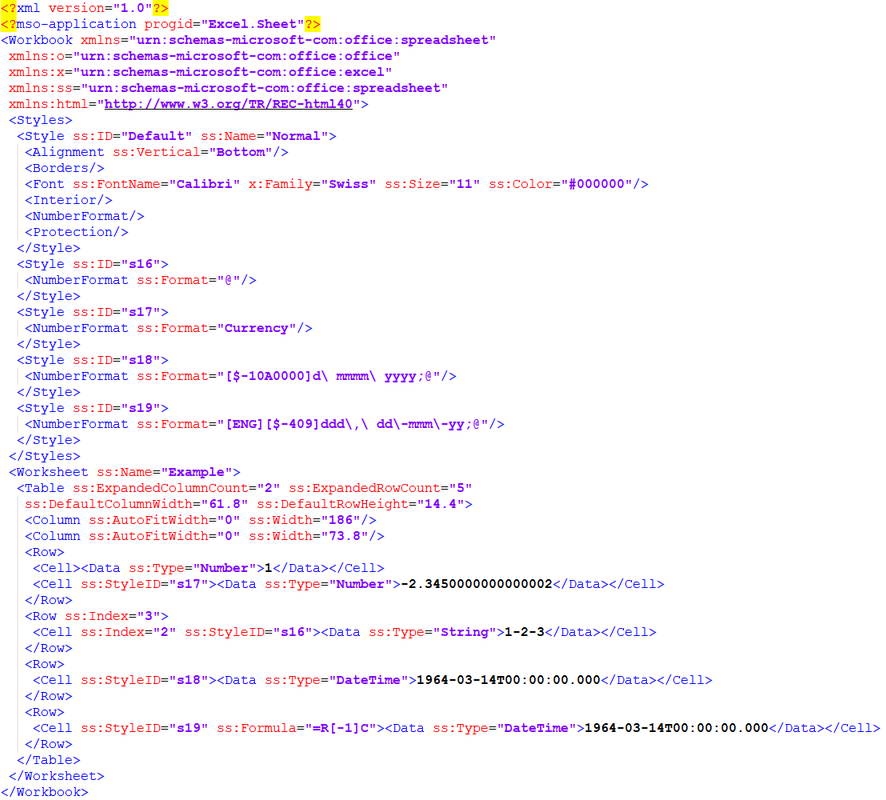
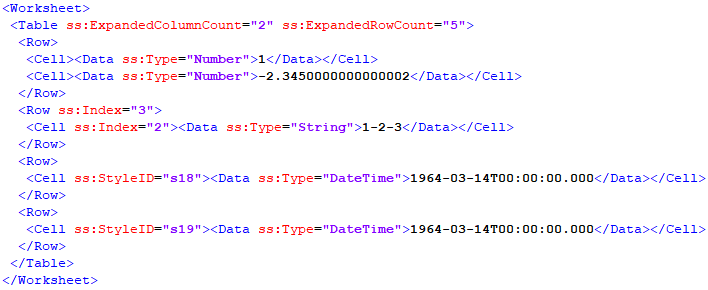
 XML Spreadsheet Number Formats

 Arrays - Part One

Bookmarks